Productivity calculator
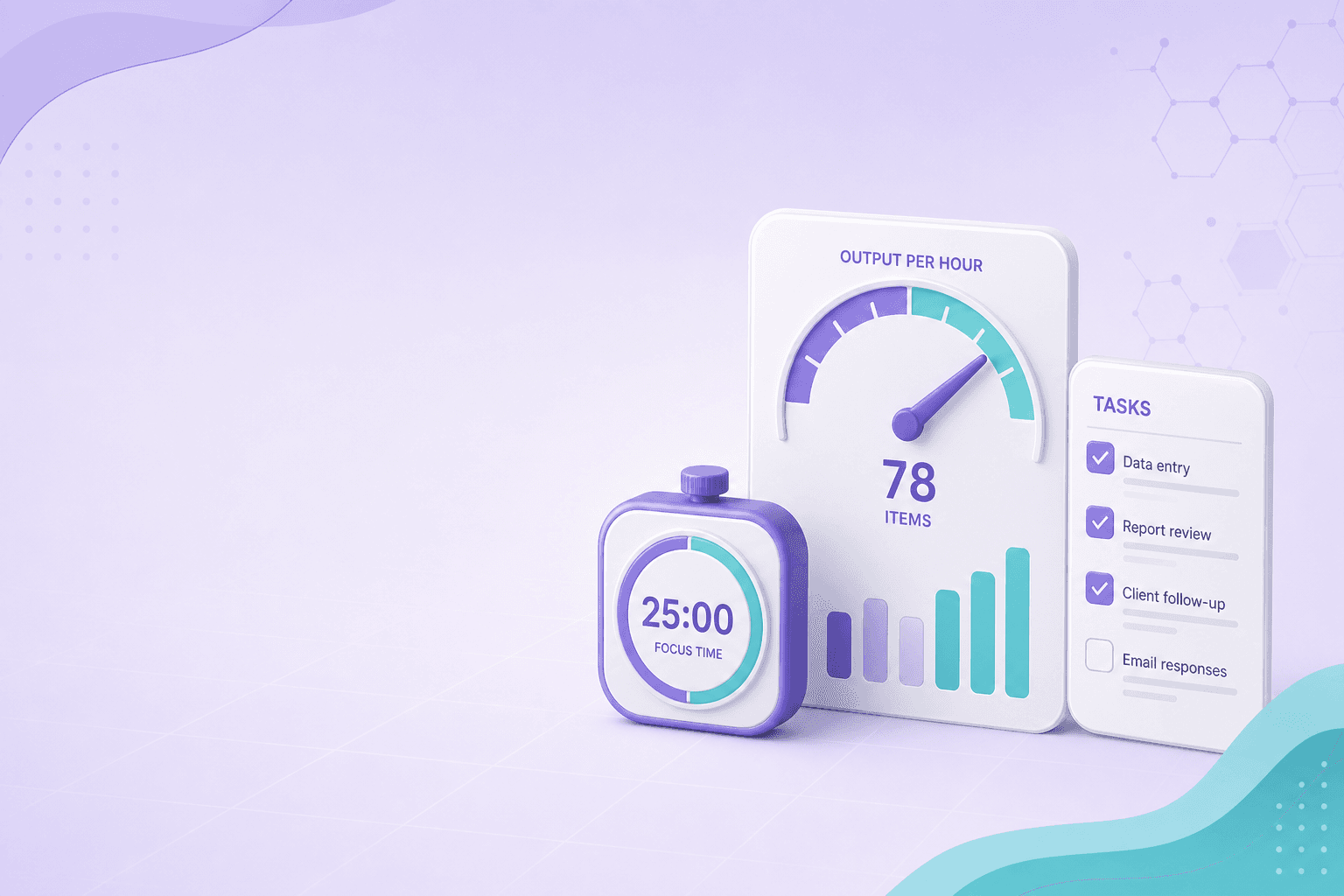
Measure how much you produce per hour from completed output and time spent. Optionally compare against a target to see efficiency and hours needed to hit the goal.
FAQ for this calculator
- What counts as a unit?
- Anything you measure consistently—tasks closed, parts assembled, articles written, support tickets resolved. Do not mix unit types in one run.
- Should I include breaks?
- Use active work hours only if you want a true output rate. Including breaks lowers the rate but may match paid time.
- How is efficiency calculated?
- Efficiency = (actual output ÷ target output) × 100%. Hours to target = target ÷ units per hour.
- Is this the same as utilization?
- No—utilization usually compares busy time to available time. This tool measures output per hour, not calendar occupancy.
How to use the productivity calculator
Productivity rate is simply output divided by active time. This calculator also inverts the rate to minutes per unit and can benchmark against a target.
- Pick one countable unit (tasks, items, words, tickets).
- Enter total output and hours worked in the same period.
- Optionally set a target to see efficiency % and projected hours to finish.
When to use this calculator
- Weekly team throughput after a sprint or production run.
- Freelance words-per-hour checks against a client quota.
- Manufacturing line rate before scheduling overtime.
Examples & walkthrough
- 450 units in 40 hours → 11.25 units/hr, about 5.3 minutes per unit.
- 450 units with a 500 target → 90% efficiency; about 44.4 hours needed at the same rate.