Chipotle Calorie Calculator
Build your Chipotle order by selecting ingredients. Calories and protein update instantly as you check items.
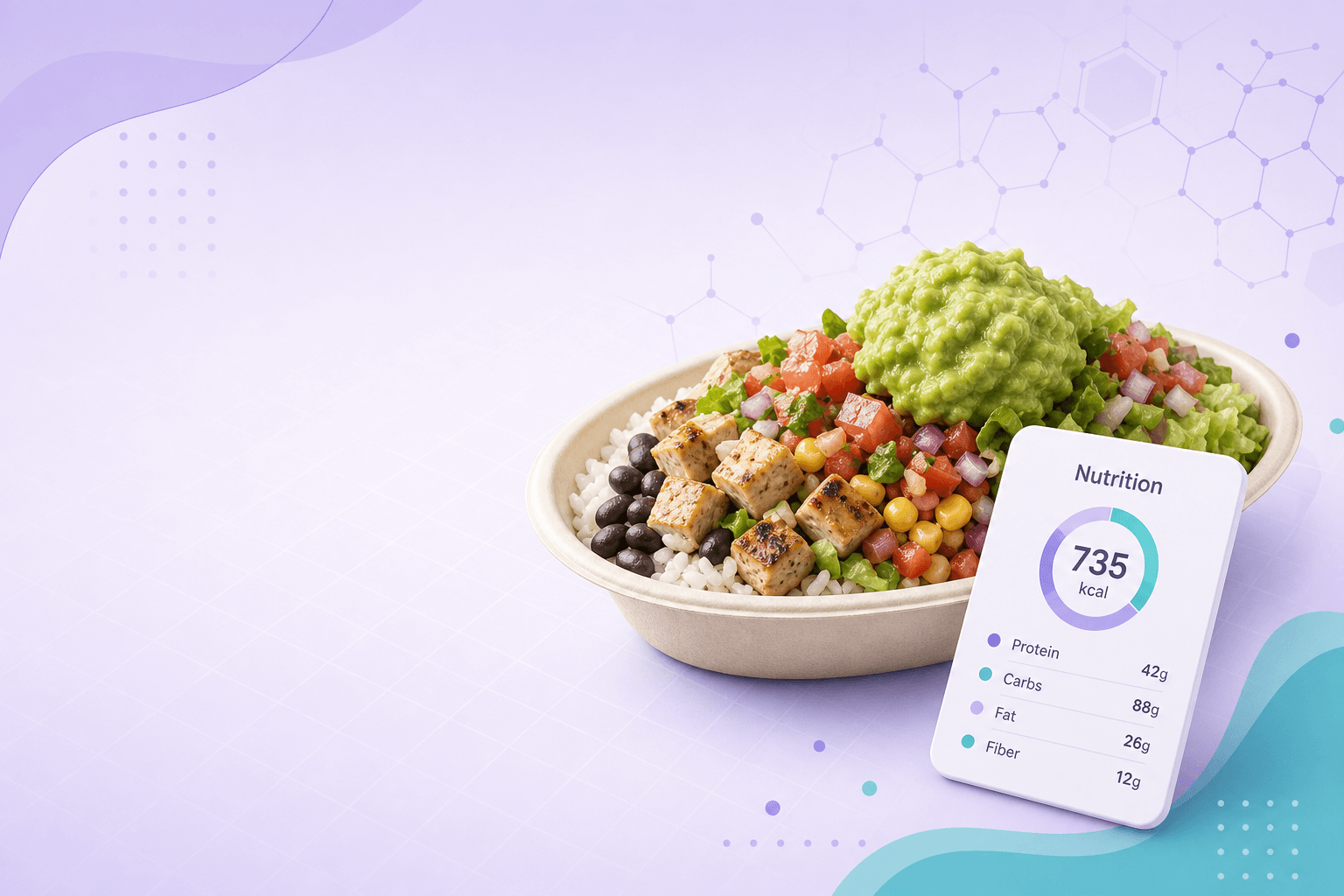
Sample bowl & burrito builds (planning snapshot)
Same calculator math—typical published item calories. Ingredient data last reviewed May 2026.
| Build idea | Calories | Protein |
|---|---|---|
| Chicken bowl — brown rice, beans, fajita veggies, salsa, lettuce | 570 kcal | 45g |
| Steak bowl — white rice, beans, cheese, sour cream, salsa | 735 kcal | 41g |
| Carnitas burrito — tortilla, rice, cheese, sour cream, lettuce | 965 kcal | 43g |
| Sofritas bowl — brown rice, guacamole, fajita veggies, salsa | 635 kcal | 15g |
| Chicken salad-style — beans, chicken, fajita veggies, salsa, lettuce | 360 kcal | 41g |
| Barbacoa bowl — brown rice, guacamole, lettuce, salsa | 640 kcal | 30g |
Illustrative only—not dietary advice. Double protein, queso, and chips add quickly—check those extras in the live builder.
Suggested next step
FAQ for this calculator
- Are these official Chipotle calories?
- No—they are typical published values for standard portions. Your store may differ.
- Can I select multiple proteins?
- Yes—check every item you order, including double protein if you pay for it.
- Does a burrito include the tortilla?
- Check the flour tortilla extra if you order a burrito; bowls omit it unless you add it.
- Why no portion sizes?
- This model uses fixed per-item calories for quick planning—not weighed scoops.
- Why might totals differ from the Chipotle app?
- Scoop size, seasonal recipes, and regional menus vary. Differences of ~20–50 kcal per item are common in the wild.
- When was ingredient data last updated?
- See the “last reviewed” note above the calculator—we refresh published nutrition tables periodically.
- Do you show protein?
- Yes—protein sums from each checked ingredient using typical published values, useful for macro planning alongside calories.
How to use the Chipotle calorie calculator
Check ingredients grouped by base, protein, toppings, and extras—totals update instantly.
- Pick one or more base items (rice, beans, veggies).
- Add protein and toppings you actually order.
- Copy the order summary to share or save your build.
When to use this calculator
- Comparing a bowl with vs without guacamole for daily calorie budget.
- Estimating a burrito with double protein and full toppings.
- Teaching portion awareness before ordering in the app.
Examples & walkthrough
- Chicken bowl with white rice, black beans, cheese, and lettuce → sum listed item calories.
- Add guacamole (+230 kcal in this table) to see the new total instantly.